Authentication & environments
Reuse authentication and switch environments without reconfiguring every request: credentials, Profiles, variables, and secrets protected by macOS Keychain.
A request should not need to know every detail of the environment where it runs. In Lumen Flow, authentication and environment values are reusable Space resources — not details copied into every step.
Credentials that match the access method
Create a credential once and apply it as the Space default or only to the request that needs an exception. The app supports Bearer, Basic, Digest, API Key, JWT, OAuth 2.0, OpenID Connect, AWS signing, and custom headers.
For OAuth 2.0, the interface adjusts to the intent: machine-to-machine integration, interactive sign-in, or legacy credentials. When a credential needs a browser, sign-in happens in the appropriate window; secrets are not visible by default.
Profiles for every environment
A Profile groups an environment’s variables, such as Staging or Production. Pick the active Profile before execution and the same Flow resolves URLs, headers, and bodies with the appropriate values.
A variable can be fixed, secret, computed by an Action, or requested at run time. Secrets live in macOS Keychain rather than in the app database or screenshots.
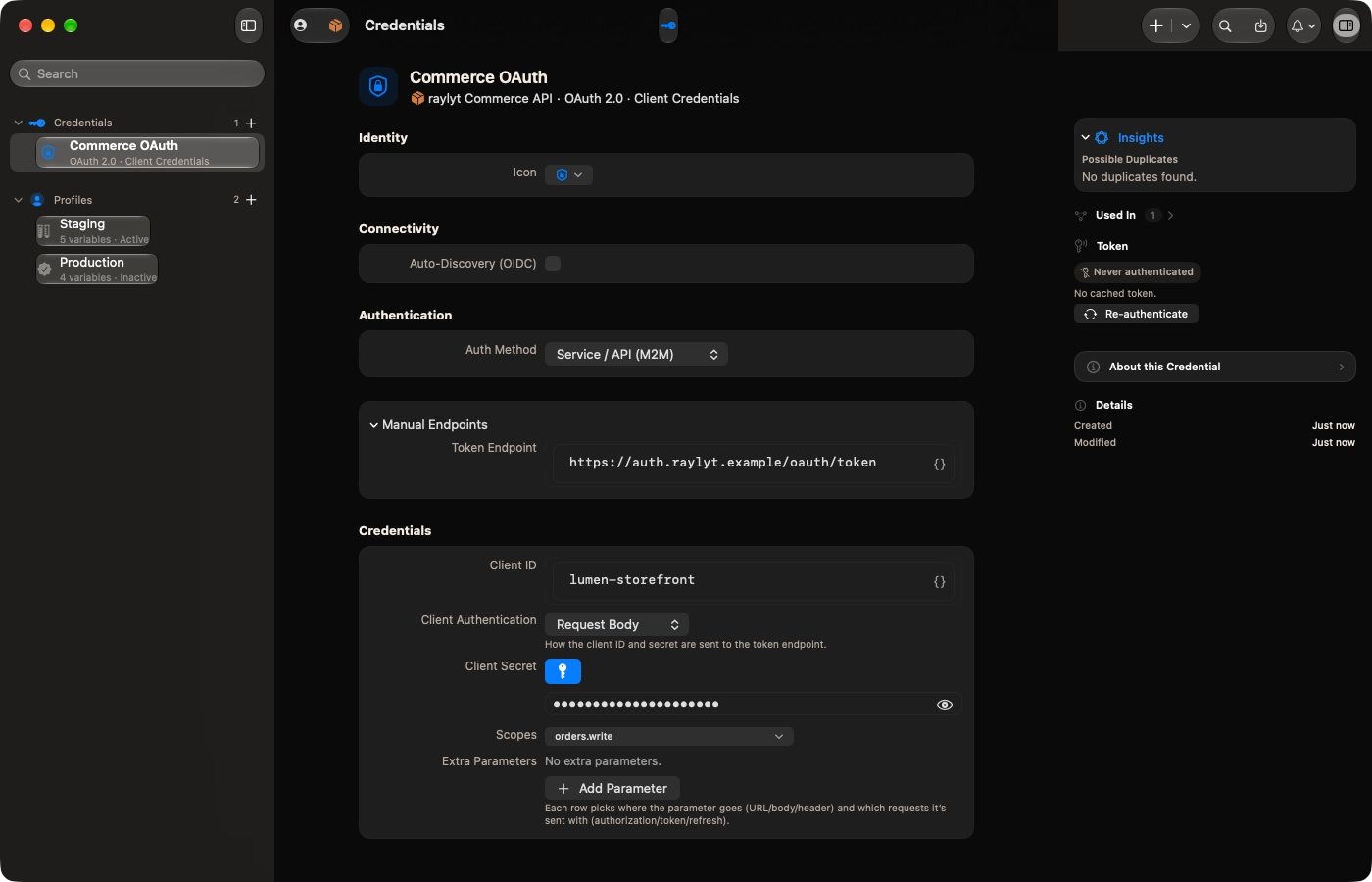
Resources window · an OAuth 2.0 credential · An OAuth 2.0 credential with the client secret masked and token controls visible.

Ready to elevate your API workflow?
Sign up for early access and get notified as soon as it's available for macOS.
Join the waitlistmacOS 26 or higher · Native Apple Silicon